
How To Create A LinkTree Page – On Your Site, Without A Plugin
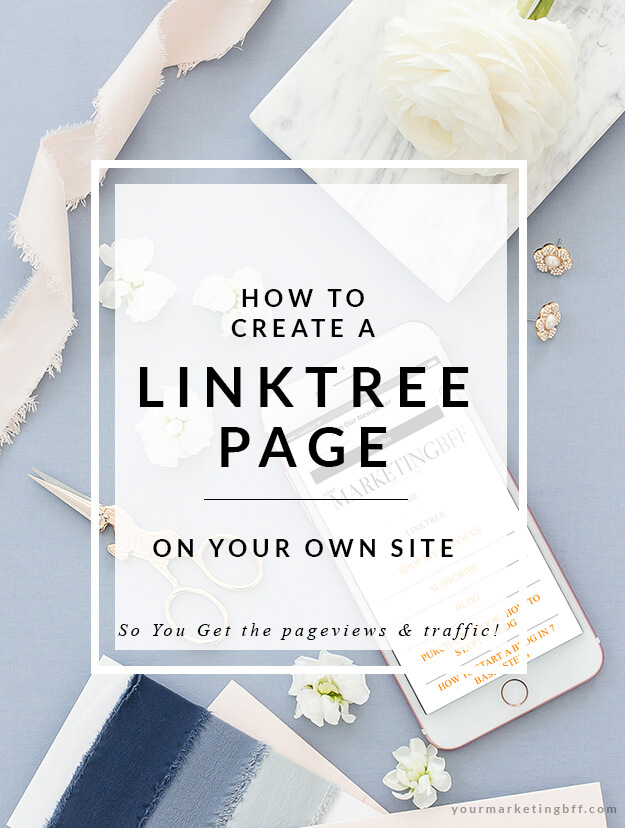 Do you wish you could share multiple links via Instagram? Are you currently using LinkTree to get more out of your Instagram bio link?
Well guess what… I’ve got something even better than LinkTree!
I came up with a solution that:
-Drives all the traffic to YOUR site – which helps your traffic numbers, pageviews and Google’s ranking of your site.
-Provides one link for your Instagram bio, but provides multiple links.
-Contains your branding – not LinkTree’s generic branding.
-Doesn’t require a plugin.
How To Create A Linktree Page On Your Own Site, Without A Plugin
- Login to your WordPress dashboard.
- Create a new page and title it. – I actually titled my page ‘linktree’ but feel free to call it whatever you want. PAGES > ADD NEW
- Write your text (the specific place or thing users will see in your list) and add a link (the destination url) to each line item. Repeat this step for each link you want to add.
- Publish your new page.
- Copy the permalink of your new page.
- Paste the permalink of your new page into your Instagram profile bio (see mine in the image below).

That’s it! I’ve taught you how to create a linktree page on your own site, without using a plugin! Now, you’ve got your own version of LinkTree, but way better.

