
My favorite tools for choosing a color scheme

Creating a color scheme is essential to good branding and design. Here’s a few of my favorite FREE online tools that can help you perfect your color choices…for business or personal!
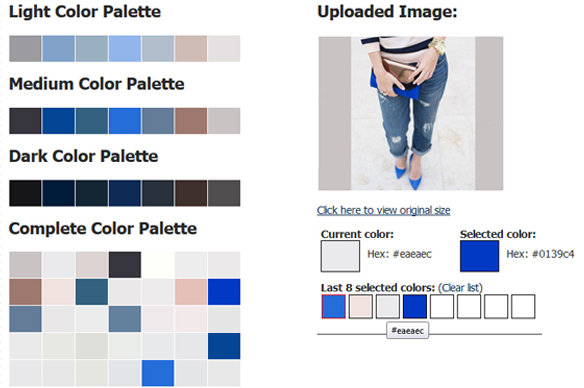
- Color Palette Generator – Simply upload an image and it will generate the images complete color palette, as well as palettes: light, medium and dark. By scrolling over the colors, the corresponding hex color will be displayed.
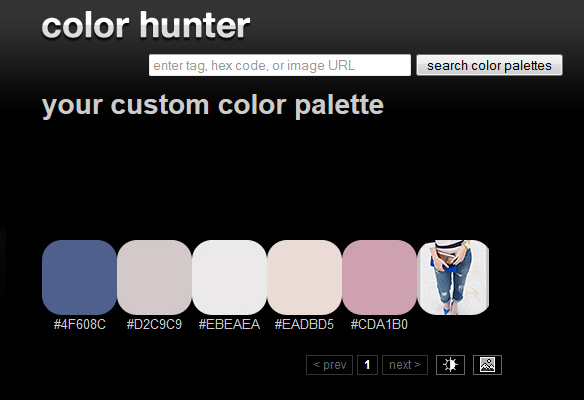
- Color Hunter – This is a really useful color tool if you can’t find a particular color. Simply find an image that you like the look of and then upload it; the tool will then create a color palette from your image. It’s a great way to create your own color theme.
3. Pictaculous – This excellent tool from the makers of MailChimp allows you to upload an image and generate a color scheme from the colors within. It also brings you suggestions from others like Kuler and Colourlovers. (There’s also a handy Adobe Swatch download for your theme, making it a quick and easy way to grab the colors you need to complement a photo).

If you want to know which colors are important to choose for your business, check out this post here.
